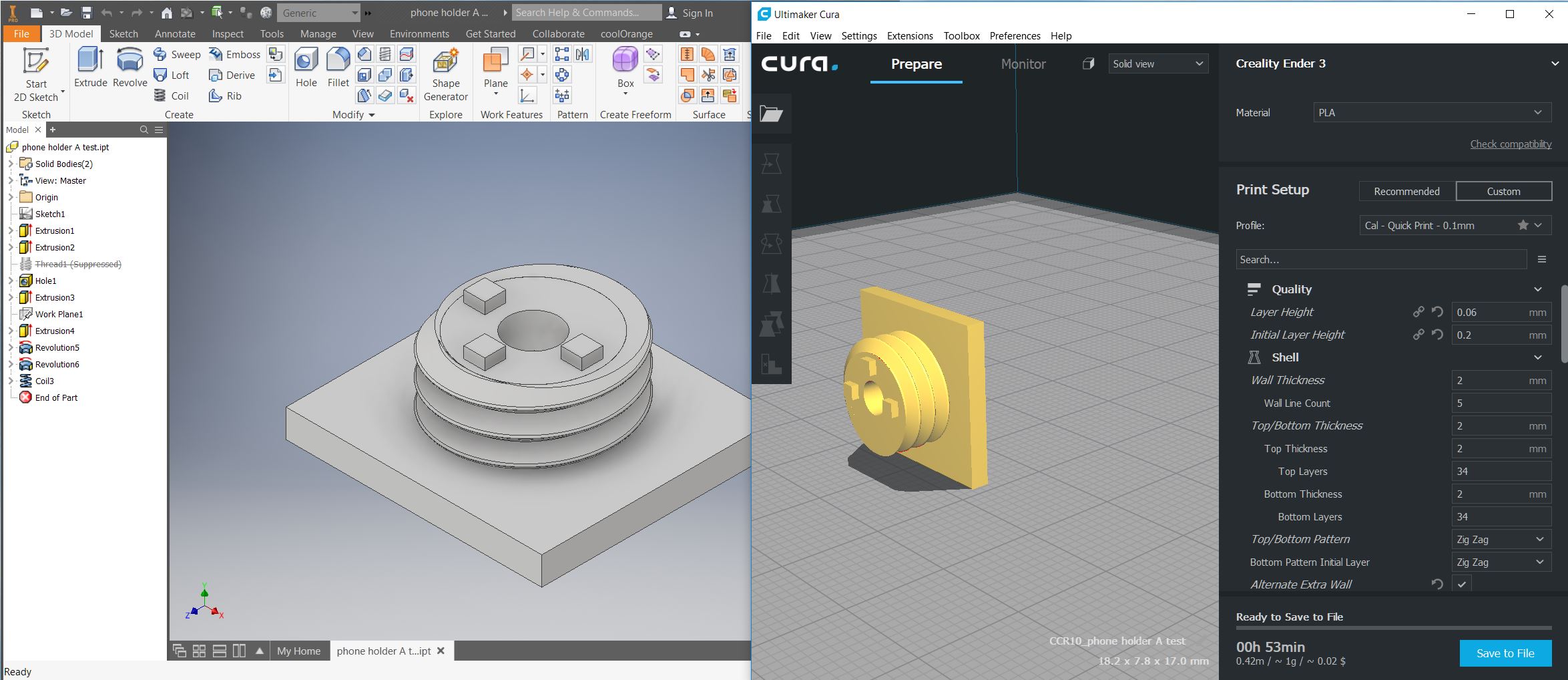
How To Fix Axis/Rotation Orientation between Inventor and Cura
This how-to guide is for correcting axis orientation or rotation issues when exporting a file from Inventor to Cura. improper orientation causes this issue in Cura Step 1 Open Inventor. Export as an STL and import into Cura (how to export an STL here) Do not rotate the model in Cura Step 2 Rotate your view in Inventor to match the Cura model. This will make the next steps more intuitive. ...